PRODUCT PREVIEW
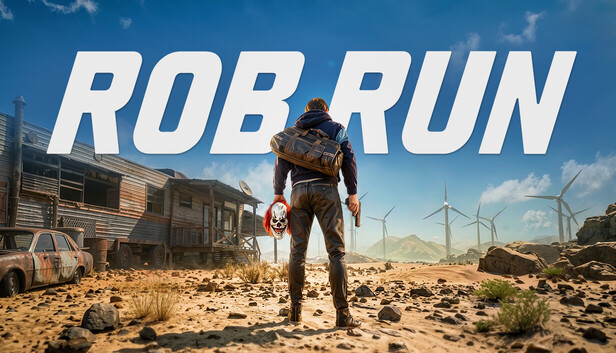
ROB RUN preview
1PREVIEWS
Preview images illustrate the product. Features and game support can change after updates.
ADDICTEDCHEATS / ROB RUN
ROB RUN cheats
Player and world ESP, configurable aim assistance and radar for ROB RUN. See the menu in action and explore the available settings below.
Steam
WINDOWS SUPPORTWindows 10; Windows 11 up to 26H2
PC only · Check current status before purchase
FEATURES
Explore the features.
Current product features. Check the current status before you buy, as game updates can affect availability.
01
AIMBOT
Aimbot
5 points
- Player aim with keybind
- Lock target, smooth aim and auto aim
- Ping compensation
- Limit FOV and show FOV circle
- Friendly fire and visible-only checks
02
AIM SETTINGS
Aim settings
4 points
- Smooth strength: 1-20
- FOV circle radius: 1-500 px
- Aim location: head, neck, pelvis, legs, hands or random
- Targeting mode: FOV, distance or both
03
PLAYER ESP
Player ESP
8 points
- Players, teammates and visible players with individual colors
- Role colors: cop, robber or citizen
- Player names, clan tags, roles and held weapons
- Ignore downed enemies
- Skeleton, boxes and distance
- Draw distance: 1-5000 m
- 2D or corner boxes
- ESP preview
04
WORLD ESP
World ESP
5 points
- Individual toggles and colors
- Vehicles, helicopters and containers
- Loot, vehicle loot, static loot and random loot
- Grenades, houses, cash and chests
- Defense blocks, NPCs, vendors and security cameras
05
WORLD SETTINGS
World settings
4 points
- Vehicle draw distance: 1-5000 m
- Item draw distance: 1-5000 m
- World boxes and distance
- Cars share Vehicles settings, Storage shares Chests, and Traders share Vendors
06
VISUALS
Visuals
8 points
- Crosshair with custom color
- FPS counter
- Off-screen arrows
- Spectator warnings
- Crosshair styles: default, hitmarker, thin cross, thick cross or square
- Crosshair size: 4-500
- Arrow radius: 4-500 px
- Font size: 0.7-10
07
RADAR
Radar
4 points
- Enable radar
- Show players and AI
- Radar cross, outline and background
- Zoom: 1-10
08
CONFIG
Configuration
2 points
- Save settings
- Load settings
GOOD TO KNOW
Before you get started.
01Pick your edition. Choose a duration and confirm the right plan for your game edition before payment.
02Follow the setup guide. After payment is confirmed, your account shows the download page and instructions.
03Stay informed. Game updates can affect availability; check the latest announcements before purchasing.
QUICK ANSWERS
ROB RUN FAQ
How do I get started?
Once your payment is confirmed, open the Downloads page for the software and setup instructions.
Can I save my settings?
Yes. Use Save Settings in the Config tab, then Load Settings to restore your setup.
Can I use my subscription on more than one PC?
No. Subscriptions are limited to one PC, and account sharing is not allowed. Contact support if you change your hardware.
Where can I get help?
Support is available on Discord after purchase.
READY TO EXPLORE?Find the right ROB RUN plan for you.
View plans →